This guide provides step-by-step instructions on how to register as a producer on the Lamb-Info website. By following these steps, users can create an account, enter their information and agree to the terms and conditions to complete the registration process.
1. Navigate to https://app.agneau-info.ca/ #
2. Click on “Free Registration” #

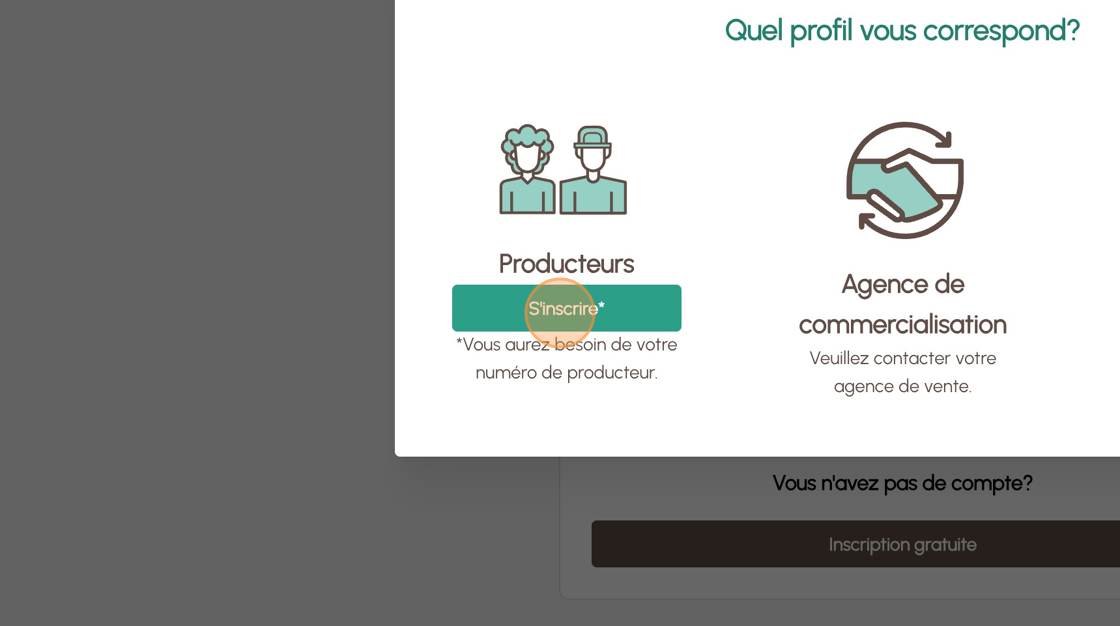
3. Click on “Register*” #
4. Enter your first and last name in “your name” and your “Email” #

5. Choose your “Password”. #

6. Confirm the chosen password. #

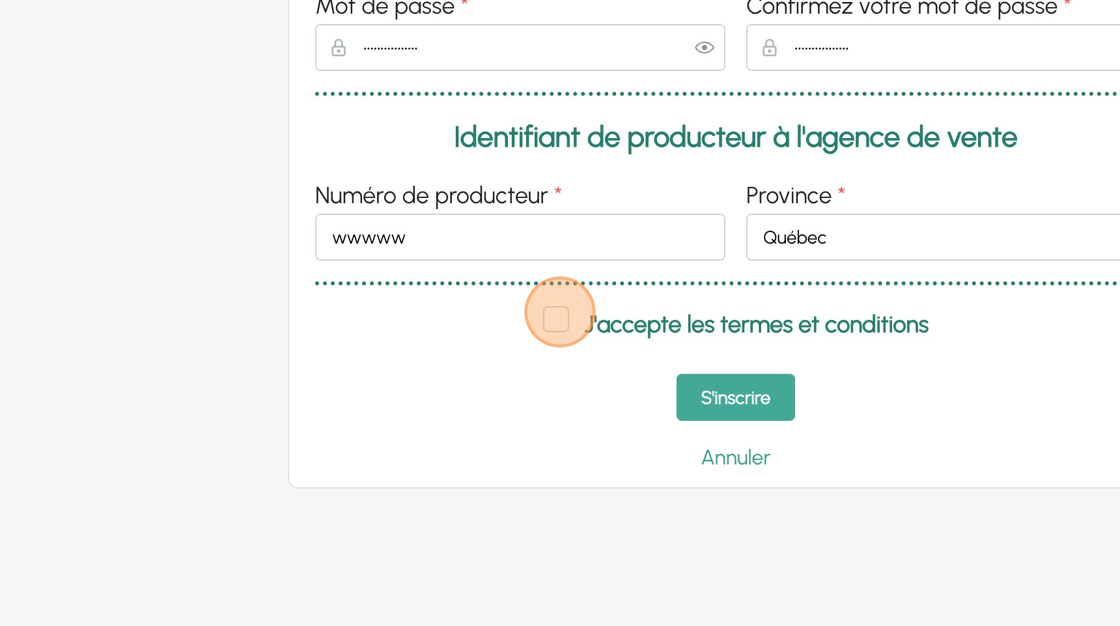
7. Enter your “Producer Number” from your provincial association. #

8. Choose your province #

9. Accept the conditions of use #
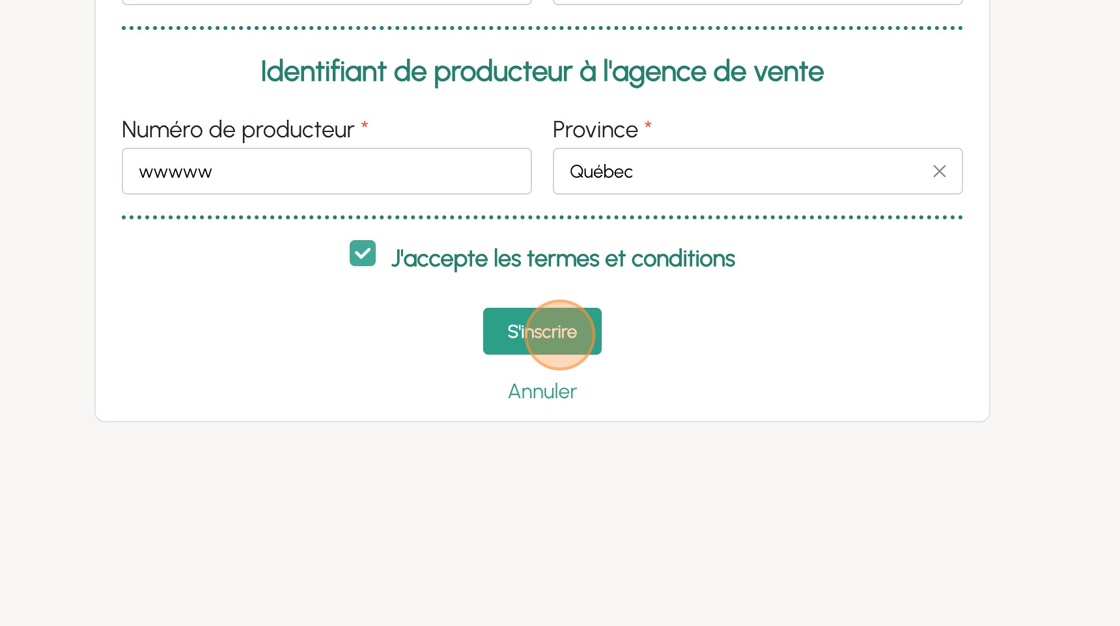
10. Click on “Register” #
11. Enter the confirmation code received in your email “Enter code”. #


 Français du Canada
  English (Canada)